Installation
Click the green "Code" button
Download zip and extract all
Go to chrome://extensions/ and toggle
developer modeClick load unpacked and choose the folder you downloaded
You now have the extension installed.
Setup
Click on extensions & open Manifold PGP dm helper
Go to Contacts/Keys -> generate keypair, fill in your name and click generate keypair
Create a post titled "DM Me" go to Contacts/Keys -> copy public key and paste it in the post
Usage
Go to someone else's "DM me" post, under their pasted key you will see an "Import Public key" button
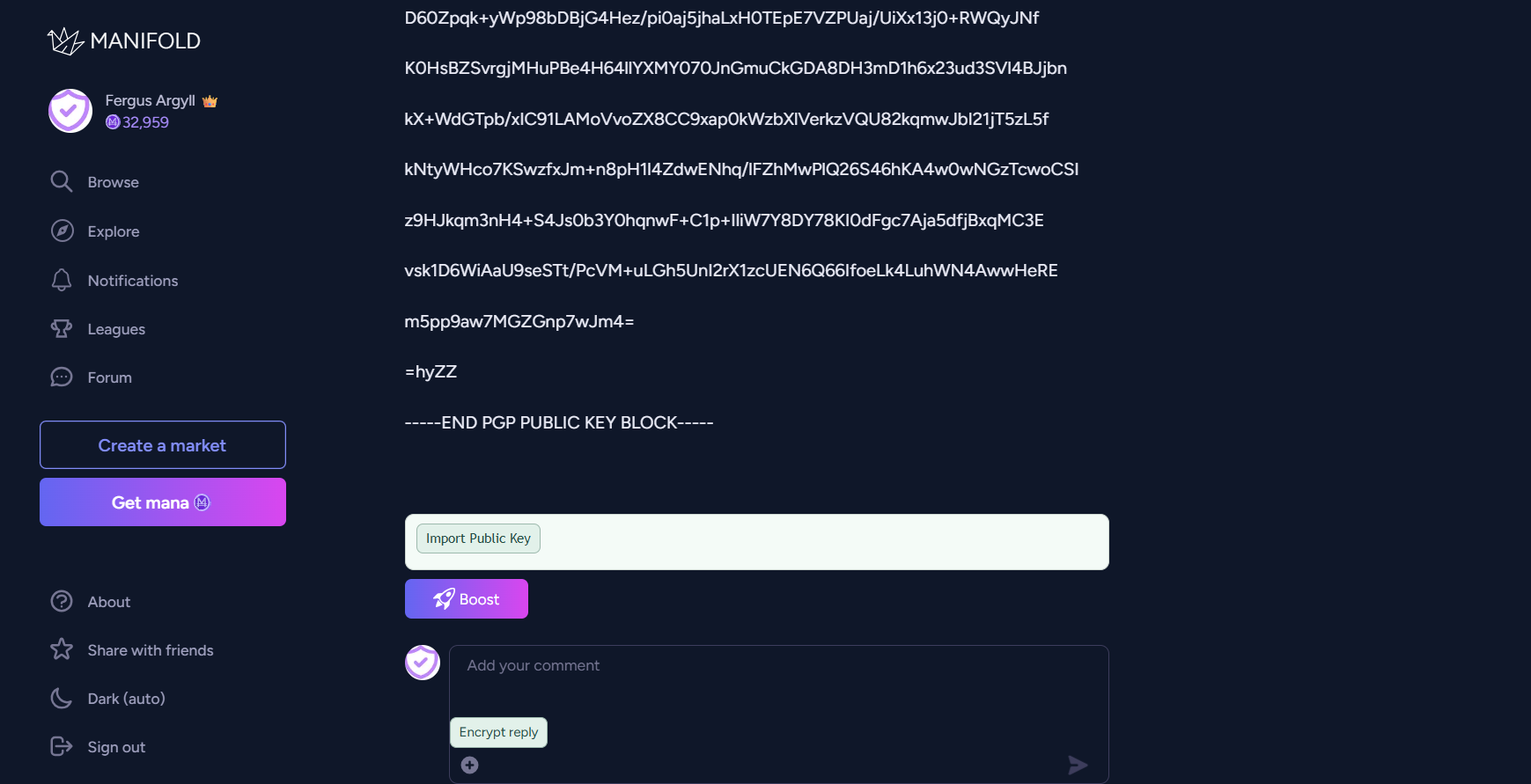
Click it and fill out the name of the holder of this public key
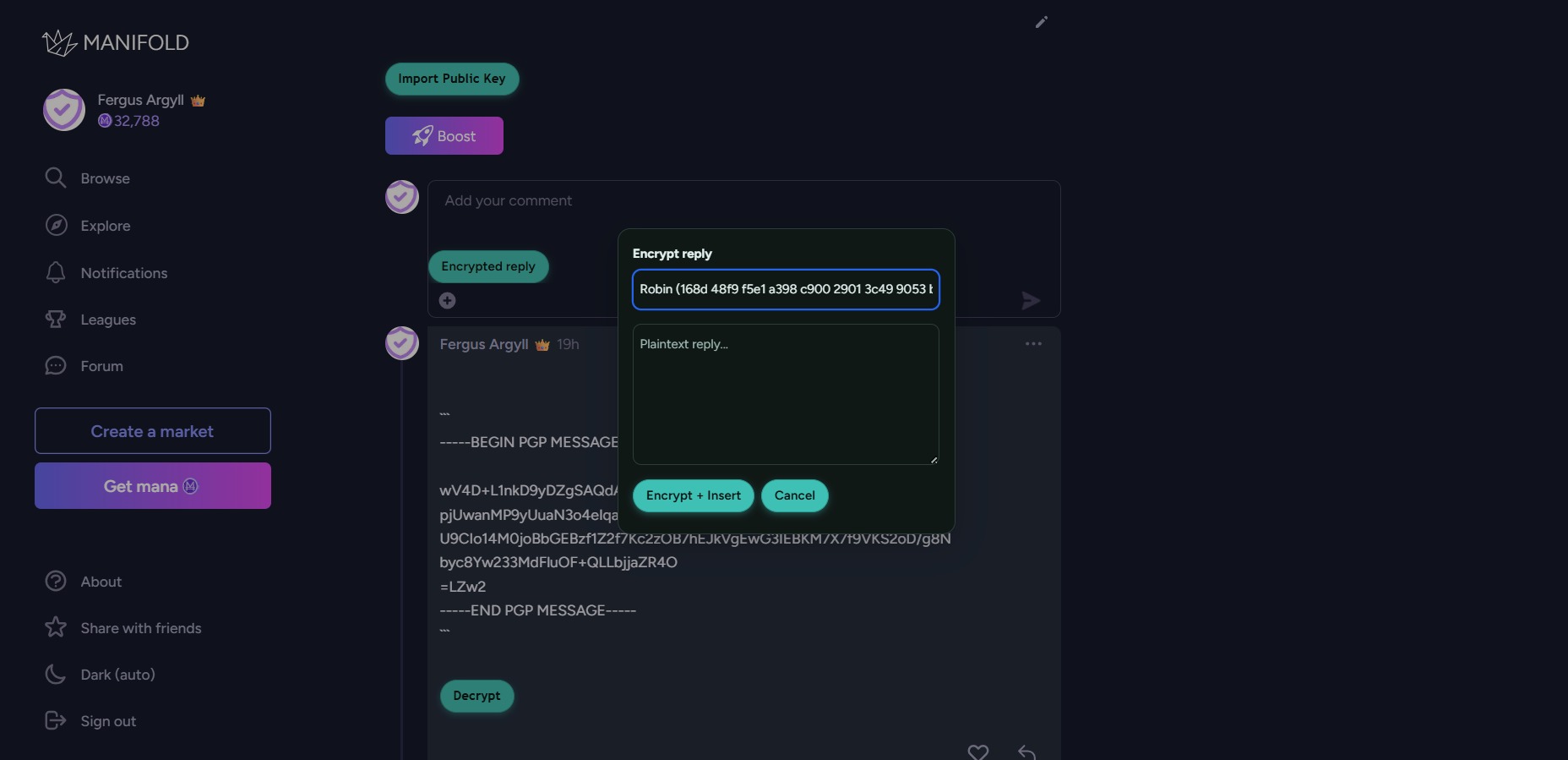
When you want to message them click "Encrypt reply" & choose who you're encrypting the message for
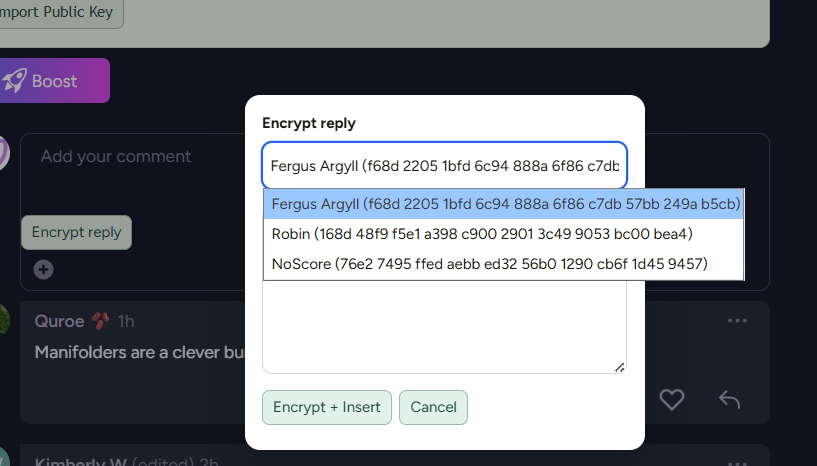
Write the message and click encrypt + insert & send a secret message no one can read but the intended recipient!
If someone sent you an encrypted message you just click the decrypt button under the text and the text shows up
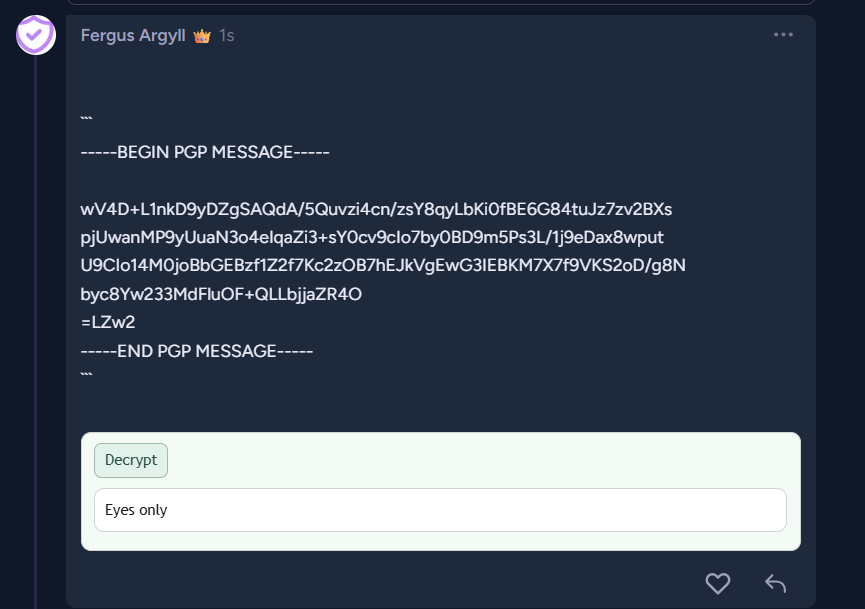
And that's most of it. A lot of things can be done in the popup of the extension (managing contacts etc) but considering DMs will be brought back anyway, this should be enough....
Enjoy!