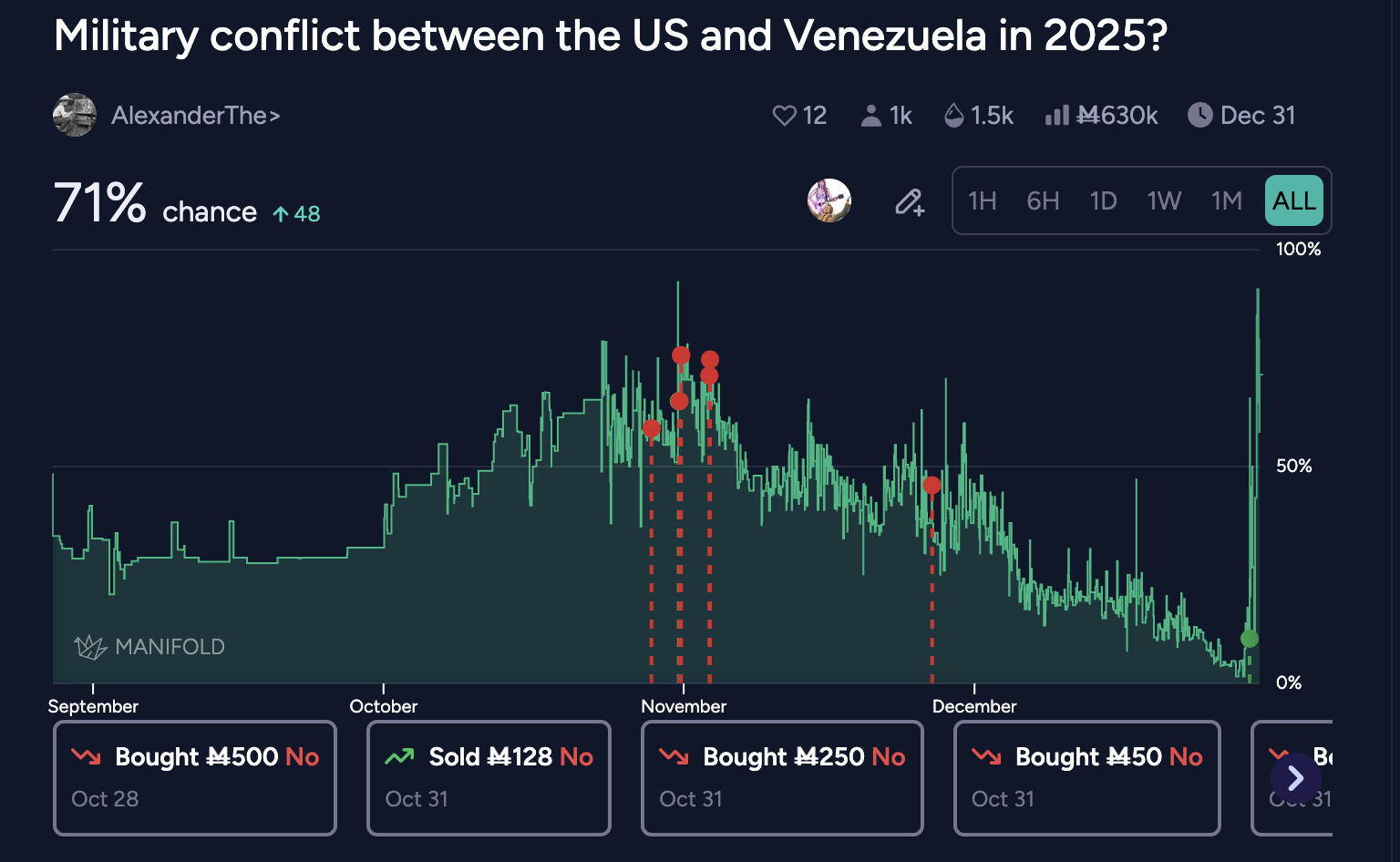
You can trigger the display via tapping:
the search user button to the left of the time selector on desktop
their position row and tapping the 'graph trades' on the positions tab
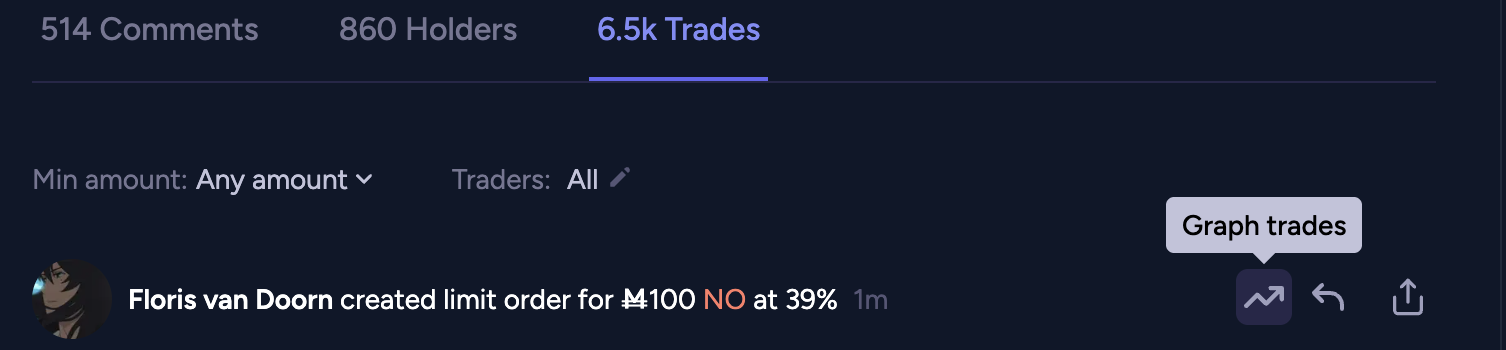
the 'graph trades' wiggly arrow icon on one of their trades in the trades tab

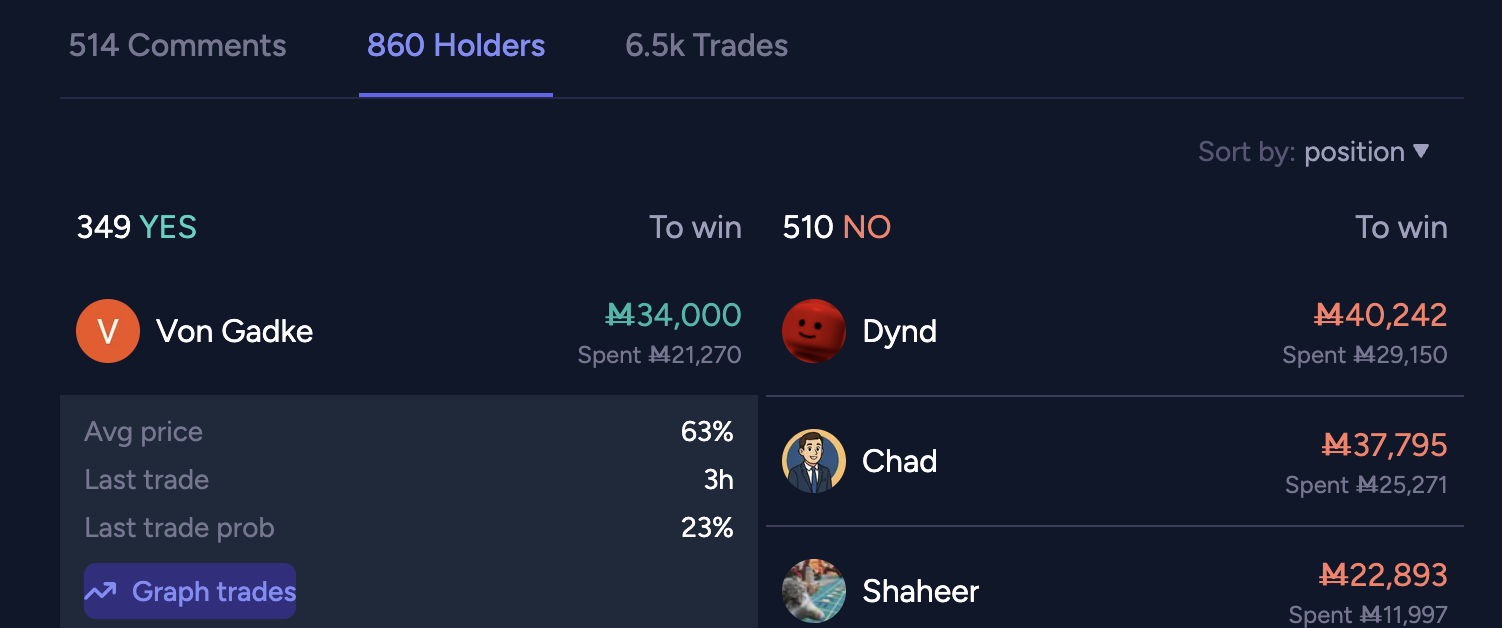
@ian I think both in no would be better, definitely makes more sense for the average cost to be quoted in “no” and i think they should be consistent
fwiw i'd rather see them shown in yes, it's a very seemingly consistent feature of manifold that it shows the prob as the yes prob even for no shares, it would be confusing for this to stop being the case for this one thing imo? or if you do show the no share cost i'd rather see 23c than 23%, to make it clear it's not following the market prob convention of always being in terms of yes?